
Overview
What is Google Veo?
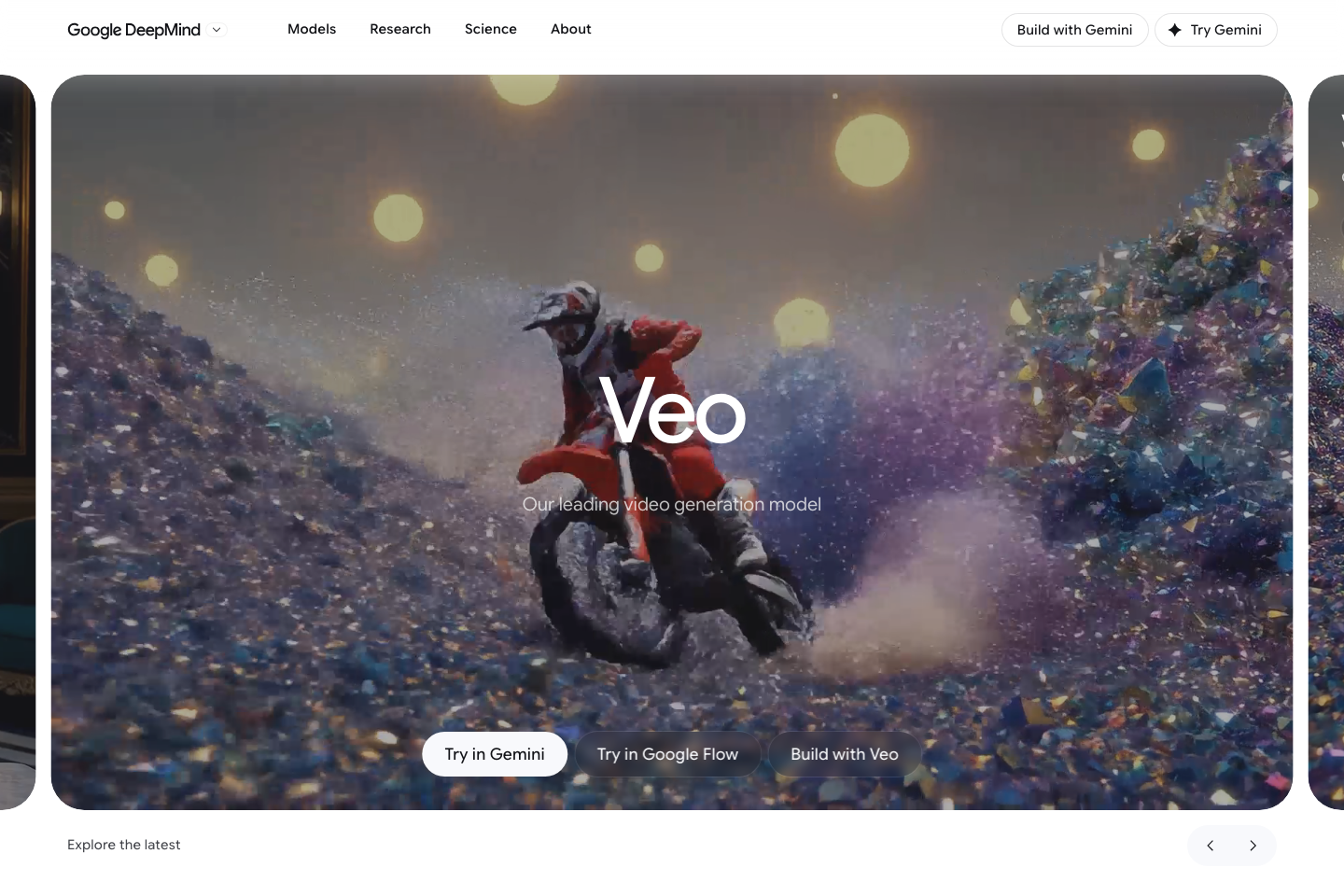
Google Veo is Google DeepMind's video generation model family. Veo 3.1 is described by Google as a leading video generation model for filmmakers and storytellers, with native audio, stronger prompt adherence, improved image-to-video quality, richer narrative control, realistic motion, and developer access through Gemini API. It can generate short videos from text or image prompts, supports landscape and portrait aspect ratios, and offers controls such as Ingredients to Video, scene extension, and first-and-last-frame generation.
Good fit
Who should use Google Veo?
- Filmmakers, storytellers, creative directors, and previsualization teams evaluating Google DeepMind's most advanced video generation model.
- Developers building text-to-video, image-to-video, video extension, frame-controlled generation, and cinematic video workflows through the Gemini API or Vertex AI.
- Creators who need native audio, synchronized sound effects, dialogue, 16:9 landscape output, or 9:16 portrait video from prompts and images.
- Teams that want to use Google Flow or Gemini for AI video ideation, visual storytelling, social clips, and image-to-video experimentation.
- Production teams comparing high-quality model output, prompt adherence, realistic physics, image-to-video alignment, and audio-video synchronization against other AI video models.
Compare first
Who should compare alternatives first?
- Compare alternatives first if budget predictability is your main concern: Google Cloud lists Veo 3.1 pricing per generated second, with different rates for Lite, Fast, standard, audio, no-audio, and 4K output.
- Compare alternatives first if you need longer clips in one generation. Gemini API docs describe Veo 3.1 as generating 8-second videos, while longer scenes rely on extension workflows.
- Compare alternatives first if your workflow needs unlimited consumer-style generation, because access depends on Gemini, Flow, AI Studio, Vertex AI, Gemini API, subscription limits, region, and API billing setup.
- Compare alternatives first if you need a full editor, media library, templates, or social publishing workflow; Veo is primarily a model surfaced through Google products and developer APIs.
- Compare alternatives first if retry cost matters, because every generated second can be metered and high-resolution video with audio costs more than lower-resolution or no-audio variants.
Use cases
Google Veo use cases
- Generate cinematic 8-second videos from text prompts with native audio, dialogue, and synchronized sound effects.
- Create image-to-video clips from reference images, product frames, character images, objects, scenes, or style references.
- Use Ingredients to Video with multiple reference images to preserve character, object, or visual style across shots.
- Extend existing Veo videos into longer scenes while maintaining visual continuity from the previous clip.
- Generate transitions between first and last frame images for controlled shot-to-shot movement.
- Create landscape 16:9 or portrait 9:16 clips for film concepts, ads, social video, Shorts, Reels, and TikTok-style formats.
- Prototype storyboards, film trailers, music-video concepts, commercial shots, and narrative sequences in Google Flow.
- Build developer workflows for video generation, polling operations, downloading generated files, and integrating generated clips into apps.
- Test model quality for realistic motion, cinematic style, prompt adherence, audio-video alignment, and image-to-video fidelity.
Capabilities
Google Veo features
- Veo 3.1 generates 8-second videos at 720p, 1080p, or 4K with natively generated audio through the Gemini API.
- Supports text-to-video and image-to-video generation from prompts and reference images.
- Native audio can include synchronized speech, sound effects, ambient audio, and richer audiovisual output.
- Aspect ratio control supports landscape 16:9 and portrait 9:16 generation.
- Ingredients to Video can use up to 3 reference images to guide character, object, scene, or style consistency.
- Scene extension can generate additional clips connected to a previous Veo video and support longer sequences.
- First and last frame control can generate transitions between a starting image and an ending image.
- Google Blog describes richer audio, more narrative control, enhanced realism, stronger prompt adherence, and improved image-to-video audiovisual quality in Veo 3.1.
- DeepMind benchmark notes highlight visual quality, prompt intent, realistic physics, and audio-video alignment results from human-rater comparisons.
- Available through Google products and developer surfaces including Gemini, Google Flow, Google AI Studio, Vertex AI, and Gemini API.
- Official Google Cloud pricing separates Veo 3.1, Veo 3.1 Fast, and Veo 3.1 Lite, with different rates by resolution and whether audio is generated.
Pricing
Google Veo pricing, plans, and credits
Google Veo access depends on the surface: Gemini, Google Flow, Google AI Studio, Vertex AI, Gemini API, and Google AI plans have different limits and availability. Google Cloud lists usage-based Veo 3.1 pricing per generated second, with separate rates for Veo 3.1, Veo 3.1 Fast, and Veo 3.1 Lite, and separate rates for video-only versus video plus audio. Standard Veo 3.1 video plus audio is listed at $0.40/second for 720p or 1080p and $0.60/second for 4K; video-only is $0.20/second for 720p or 1080p and $0.40/second for 4K.
Video generation in Gemini and Google Flow
Creators using Google consumer or creative tools rather than direct API billing.720p/1080p $0.40/sec; 4K $0.60/sec
Highest-quality Veo 3.1 clips where native audio is required.720p/1080p $0.20/sec; 4K $0.40/sec
Cinematic visual generation when audio will be handled separately.Video 720p $0.08/sec, 1080p $0.10/sec, 4K $0.25/sec; video+audio 720p $0.10/sec, 1080p $0.12/sec, 4K $0.30/sec
Iteration, drafts, and workflows balancing quality, speed, and cost.Video 720p $0.03/sec, 1080p $0.05/sec; video+audio 720p $0.05/sec, 1080p $0.08/sec
Lower-cost testing, drafts, and high-volume experimentation.Free plan and limits
Access is plan-based or usage-based through Gemini, Google Flow, AI Studio, Vertex AI, and Gemini API; availability, limits, and billing setup vary by product surface and region.
Credits and billing checks
- Confirm whether usage is metered by credits, minutes, generations, seats, or exports.
- Check whether free usage renews monthly or is a one-time allowance.
- Verify whether team seats share one usage pool or receive separate allowances.
- Review export limits, watermark rules, commercial rights, and cancellation terms before paying.
Verification notes
What to verify before choosing it
- Confirm current pricing and free plan limits on the official site.
- Test the output quality against your real workflow before scaling usage.
- Compare the tool against close competitors for pricing, features, and workflow fit.
Tradeoffs
Google Veo strengths and tradeoffs
Pros
- Strong fit for cinematic prompt-to-video, image-to-video, native audio, and high-fidelity visual generation.
- Developer access is well documented through Gemini API examples for text prompts, images, aspect ratio, video download, and frame-controlled generation.
- Google publishes granular per-second pricing for Veo 3.1, Fast, and Lite variants across resolution and audio options.
Cons
- Usage can become expensive for longer or repeated generations because pricing is per generated second.
- Veo is a model/API family rather than a complete template-based video editor, so teams may still need separate editing, asset management, or publishing tools.
- Consumer access and limits vary across Gemini, Google Flow, Google AI plans, supported regions, and API billing setup.
- Longer scenes require extension workflows rather than one unlimited-length generation.
Community evidence
Reddit and community signals
Public Reddit discussions around Google Veo are quality-positive but cost-sensitive: creators often praise the realism and audio/video potential, while recurring concerns focus on subscription tiers, per-second API pricing, retry cost, and whether the output quality justifies the spend.
Sentiment: Mixed-positive: strong interest in model quality, native audio, and cinematic realism, with cost and access limits as the main buyer concerns.
Next comparisons
Best alternatives and related comparisons
Related comparisons
Recommendation
Should you use Google Veo?
Google Veo is worth shortlisting if your priority is high-quality cinematic generation, native audio, image-to-video, frame control, scene extension, or developer access through Google AI tooling. Compare alternatives first if you need a lower-cost social video workflow, unlimited flat-rate generation, built-in editing templates, or predictable spend across many retries.
Questions
FAQs of Google Veo
What does Google Veo do?
Google Veo is Google DeepMind's video generation model family. Veo 3.1 generates short cinematic videos from text or image prompts, supports native audio, and is available through Google products and developer surfaces such as Gemini, Flow, AI Studio, Vertex AI, and Gemini API.
How long are Veo 3.1 videos?
Gemini API documentation describes Veo 3.1 as generating 8-second videos. Google also offers scene extension workflows that can connect additional clips to create longer sequences.
Does Google Veo generate audio?
Yes. Veo 3 and Veo 3.1 include native audio. Google says Veo 3.1 brings richer audio, synchronized sound effects, improved audiovisual quality, and stronger audio-video alignment.
How much does Google Veo cost?
Google Cloud lists usage-based Veo pricing per generated second. Veo 3.1 video generation starts at $0.20/second for 720p or 1080p without audio, while Veo 3.1 video plus audio is $0.40/second for 720p or 1080p and $0.60/second for 4K. Fast and Lite variants cost less.
Can Google Veo make vertical videos?
Yes. Gemini API documentation says Veo 3.1 can create landscape 16:9 videos and portrait 9:16 videos using the aspect ratio parameter.
Who is Google Veo best for?
Google Veo is best for filmmakers, storytellers, creative teams, developers, and AI video builders who need high-quality text-to-video, image-to-video, native audio, frame control, scene extension, and API-based generation.