
Overview
What is Colossyan?
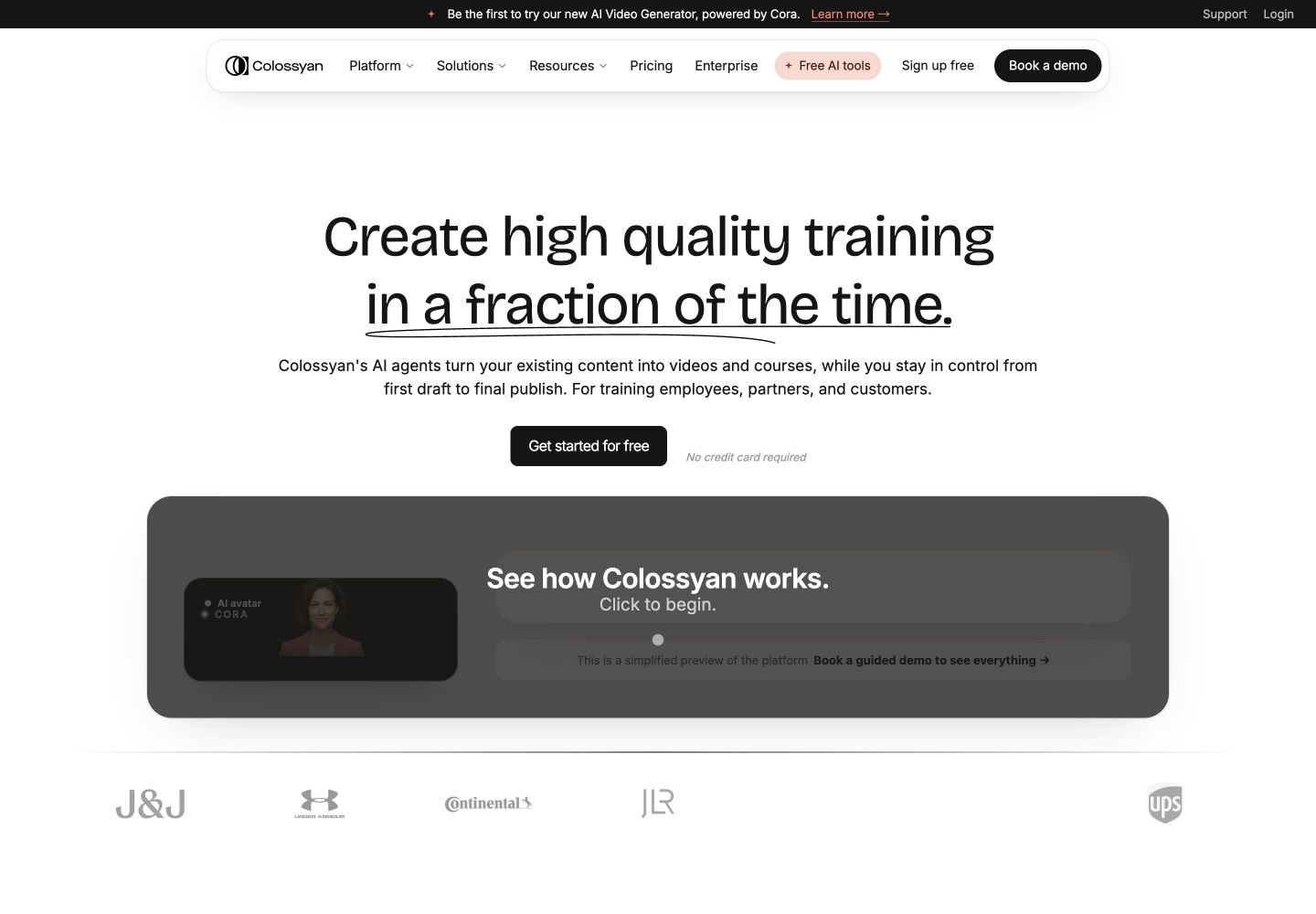
Colossyan is an AI video and course-authoring platform designed for workplace learning, compliance, onboarding, enablement, and customer education. Its Cora agent reads documents, URLs, scripts, and presentations, drafts editable scenes with source citations, and waits for approval before rendering. Teams can use stock or custom avatars, cloned voices, brand kits, quizzes, branching scenarios, translated language variants, course assessments, collaboration, SCORM export, hosted delivery, LMS integrations, analytics, and API workflows.
Good fit
Who should use Colossyan?
- Learning and development, HR, compliance, enablement, and instructional-design teams creating repeatable workplace training at scale.
- Organizations turning policies, Word documents, PDFs, PowerPoint decks, scripts, URLs, and course briefs into editable video lessons and structured courses.
- Global teams that need localized avatar narration, captions, on-screen text, quizzes, and interactive elements across 120+ supported languages.
- Training teams that need quizzes, branching scenarios, click-through elements, SCORM export, LMS delivery, learner progress, and scored assessments.
- Enterprises that need custom avatars, cloned voices, brand kits, shared workspaces, API access, analytics, SSO/SAML, data residency, and customer-success support.
Compare first
Who should compare alternatives first?
- Compare alternatives first if you need cinematic text-to-video footage rather than presenter-led training, course, and enablement content.
- Compare alternatives first if a free account must export without a watermark. The current plan comparison lists watermark removal on Professional and Enterprise, not Starter.
- Compare alternatives first if you need SCORM on the free tier. The current pricing page lists zero SCORM exports on Starter, five per month on Professional, and unlimited exports on Enterprise.
- Compare alternatives first if monthly minutes must roll over. Colossyan says unused minutes do not roll over and deleting a generated video does not restore its minutes.
- Compare alternatives first if you need unlimited NEO2 generation on a self-serve plan. Professional includes 10 NEO2 minutes per month; Enterprise uses custom or unlimited allowances.
- Compare alternatives first if every interactive element must be generated automatically by Cora. Colossyan says Cora drafts the video plan, while quizzes and branching are currently added manually in the editor.
Use cases
Colossyan use cases
- Turn employee handbooks, policies, compliance documents, SOPs, and technical documentation into narrated training videos.
- Convert Word documents, PDFs, PowerPoint decks, public URLs, Notion exports, Google Docs, SharePoint files, and plain text into editable scene plans.
- Create employee onboarding, customer education, partner enablement, product training, compliance updates, safety training, and internal communications.
- Build interactive video lessons with multiple-choice quizzes, branching scenarios, buttons, knowledge checks, and choose-your-path experiences.
- Create structured courses with video, text, assessments, course outlines, and LMS-ready delivery.
- Localize one source video into 120+ languages with translated narration, on-screen text, captions, and lip-synced avatars.
- Create scenario-based soft-skills and role-play training with multiple avatars or conversational avatars.
- Create a custom Instant Avatar from a photo or short recording, or commission a Studio Avatar for branded enterprise training.
- Export training as MP4, hosted links, captions, SCORM 1.2, SCORM 2004, or supported LMS packages.
- Automate avatar video creation, voice cloning, branding, localization, and SCORM workflows through Colossyan API and integrations.
Capabilities
Colossyan features
- Cora reads a source document, drafts an editable scene-by-scene plan, cites the source section for each scene, and waits for approval before rendering.
- Document-to-video supports Word, text-based or scanned PDF, PowerPoint, Google Docs, Notion, Confluence, SharePoint, OneDrive, Markdown, and plain text workflows.
- The current pricing page lists access to 300+ Colossyan stock avatars and 700+ stock voices.
- Users can create Instant Avatars from short phone recordings and clone voices; Enterprise also supports branded and Studio Avatars.
- NEO and NEO2 avatar models provide separate monthly generation-minute allowances by plan.
- Auto-translation localizes avatar narration, on-screen text, captions, and interactive elements across 120+ supported languages.
- Interactive video supports buttons, quizzes, branching scenarios, knowledge checks, and SCORM-trackable learner responses.
- Colossyan Learn creates structured courses with video, text, lessons, assessments, quizzes, and LMS export.
- SCORM 1.2 and SCORM 2004 exports can preserve completion, pass marks, quiz scores, branch state, captions, language, bookmarking, and resume behavior.
- Collaboration features include viewers, comments, shared workspaces, team permissions, draft sharing, and multi-editor plans.
- Brand tools include brand kits, fonts, colors, logos, custom templates, and custom share pages on eligible plans.
- Enterprise features include unlimited usage options, 4K output, analytics, API access, SSO/SAML, SOC 2 Type II controls, EU or US data residency, and dedicated support.
Pricing
Colossyan pricing, plans, and credits
Colossyan currently offers Starter, Professional, and Enterprise. Starter is free and includes 20 NEO minutes per month, 0.5 NEO2 minutes, one editor, 300+ stock avatars, 700+ voices, 15 custom avatars, three cloned voices, 10 interactive videos per month, 15 auto-translations per month, and unlimited course creation. Professional is $59 per month when billed annually and includes 30 NEO minutes, 10 NEO2 minutes, up to three editors, watermark removal, five SCORM exports per month, AI image generation, 20 custom avatars, five cloned voices, 20 translations, and 15 interactive videos per month. Enterprise uses custom pricing for unlimited NEO, custom NEO2 usage, unlimited members, translations, SCORM, custom avatars and voices, analytics, 4K, SSO/SAML, data residency, and dedicated support.
20 NEO min/mo + 0.5 NEO2 min/mo
Individuals evaluating AI-avatar training and course creation.30 NEO min/mo + 10 NEO2 min/mo
Professionals and small L&D teams publishing training regularly.Unlimited NEO + custom NEO2
Organizations scaling governed training and enablement.600 additional NEO2 minutes
Professional teams that need more NEO2 generation without Enterprise.One professionally recorded Studio Avatar
Organizations needing a higher-quality branded presenter.Free plan and limits
Free Starter plan with 20 NEO minutes per month, 0.5 NEO2 minutes, one editor, 300+ avatars, 700+ voices, 15 custom avatars, three cloned voices, 10 interactive videos, 15 translations, and unlimited course creation.
Credits and billing checks
- Confirm whether usage is metered by credits, minutes, generations, seats, or exports.
- Check whether free usage renews monthly or is a one-time allowance.
- Verify whether team seats share one usage pool or receive separate allowances.
- Review export limits, watermark rules, commercial rights, and cancellation terms before paying.
Verification notes
What to verify before choosing it
- Confirm current pricing and free plan limits on the official site.
- Test the output quality against your real workflow before scaling usage.
- Compare the tool against close competitors for pricing, features, and workflow fit.
Tradeoffs
Colossyan strengths and tradeoffs
Pros
- Purpose-built for workplace learning, compliance, onboarding, enablement, and LMS delivery rather than generic avatar video alone.
- Combines document-to-video, avatars, courses, interactivity, localization, SCORM, collaboration, branding, and API workflows.
- Cora keeps a source citation trail and requires review before render, which is useful for policy and compliance content.
- Free Starter plan provides substantial NEO minutes, avatar access, custom avatars, translations, and course creation for evaluation.
Cons
- The platform is specialized for training and enablement, so it is less suitable for cinematic AI video, entertainment, or advanced timeline editing.
- Professional pricing is tied to annual billing for the displayed $59 monthly rate, and higher usage requires add-ons or Enterprise.
- Unused generation minutes do not roll over, and deleted generated videos do not restore consumed minutes.
- Independent community feedback remains mixed on avatar realism and whether avatar-led training holds learner attention in longer modules.
Community evidence
Reddit and community signals
Community discussion is mixed: instructional-design users value Colossyan for structured learning, interactive scenarios, faster updates, and corporate e-learning, while concerns focus on avatar realism, uncanny-valley reactions, learner attention, pricing, and using avatars without strong instructional design.
Sentiment: Mixed-positive for L&D: strongest for structured training and interactivity; weaker when avatar realism or long talking-head delivery determines learner engagement.
Next comparisons
Best alternatives and related comparisons
Related comparisons
Recommendation
Should you use Colossyan?
Colossyan is worth shortlisting when the output must be more than a talking-head video: structured workplace training, source-grounded document conversion, quizzes, branching, localization, courses, SCORM, LMS delivery, and enterprise governance are its strongest areas. Compare Synthesia for broad enterprise avatar adoption, HeyGen for marketing and presenter video, and dedicated editors or cinematic generators if training interactivity and LMS delivery are not priorities.
Questions
FAQs of Colossyan
What does Colossyan do?
Colossyan turns documents, scripts, URLs, presentations, and course briefs into editable training videos and courses with AI avatars, voices, branding, translation, interactivity, assessments, SCORM export, collaboration, and LMS delivery.
Is Colossyan free?
Yes. The current Starter plan is free and includes 20 NEO minutes per month, 0.5 NEO2 minutes, one editor, 300+ stock avatars, 700+ voices, 15 custom avatars, three cloned voices, 10 interactive videos per month, 15 translations per month, and unlimited course creation.
How much does Colossyan cost?
Colossyan currently lists Starter at $0, Professional at $59 per month when billed annually, and Enterprise with custom pricing. Professional includes 30 NEO minutes, 10 NEO2 minutes, up to three editors, five SCORM exports per month, watermark removal, and additional creation limits.
Does Colossyan support SCORM export?
Yes. Professional includes five SCORM exports per month and Enterprise includes unlimited streaming and self-contained SCORM exports. Colossyan supports SCORM 1.2 and SCORM 2004 workflows for compatible learning management systems.
How many languages does Colossyan support?
Colossyan states that it supports more than 120 languages. Narration, on-screen text, captions, and interactive elements can be localized together with lip-synced avatar delivery.
Can Colossyan turn a PDF or PowerPoint into a video?
Yes. Cora can read Word documents, PDFs, PowerPoint decks, scripts, and URLs, draft an editable scene plan with source citations, and render the approved plan with avatars, voiceover, branding, and supported export options.