
Overview
What is PixVerse AI?
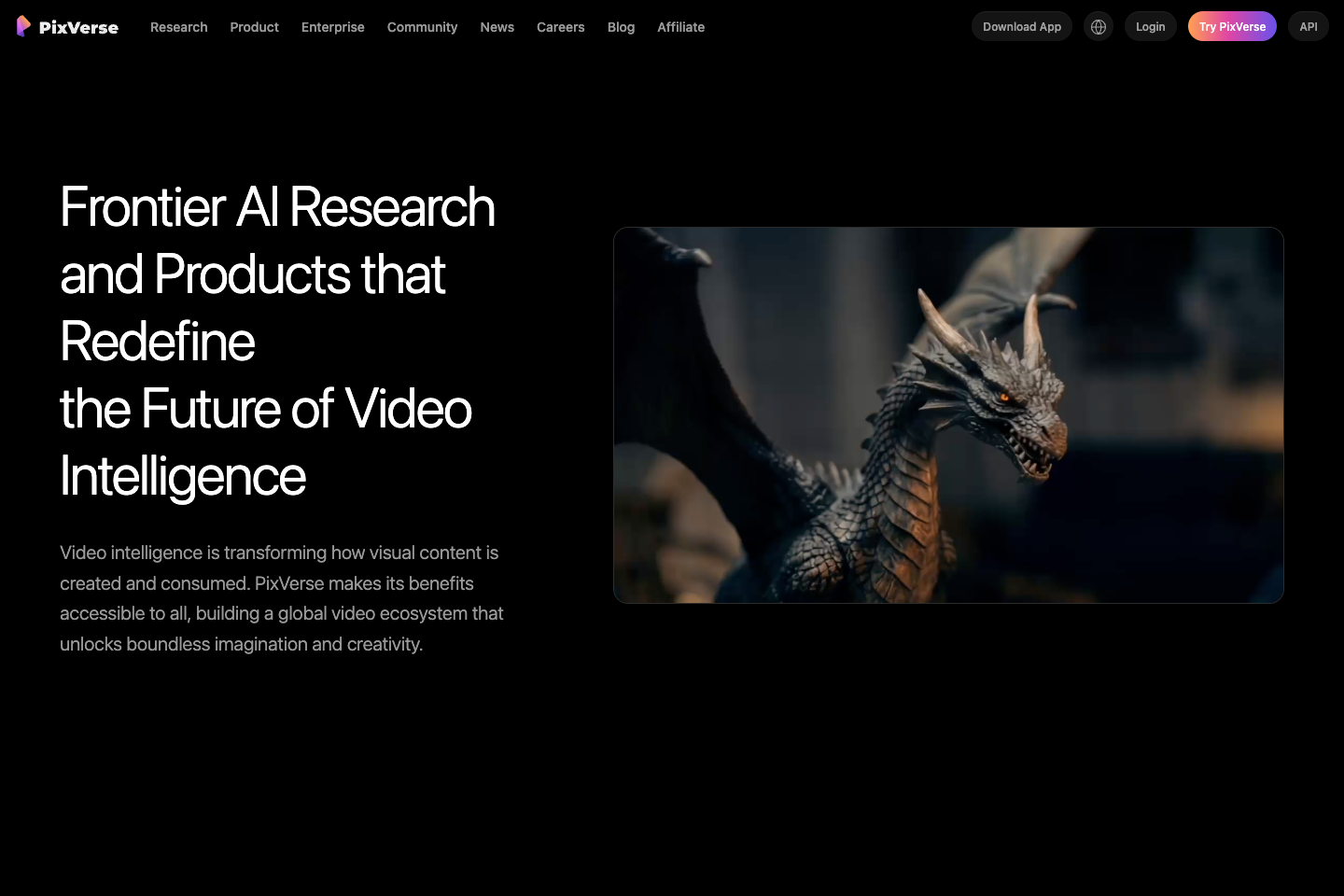
PixVerse is a full-stack AI media generation platform and API ecosystem powered by proprietary video foundation models. Its official product pages list text/image-to-video, AI templates, MultiShot, Agent, lip sync and audio, video editing, multi-frame control, and character reference. Its platform docs add API access for text-to-video, image-to-video, transition, extend, fusion/reference-to-video, sound effects, lip sync, restyle, swap, mimic, modify, and upscale workflows.
Good fit
Who should use PixVerse AI?
- Creators and teams generating text-to-video or image-to-video clips with PixVerse models and templates.
- Users who need structured AI video workflows such as MultiShot, multi-frame control, character reference, lip sync, audio, and video editing.
- Marketing teams creating social ads, brand stories, product explainers, short campaign clips, and creator content through the PixVerse Agent workflow.
- Developers and businesses that need an API platform with text-to-video, image-to-video, transition, extend, fusion, restyle, swap, modify, upscale, sound effect, and lip-sync endpoints.
- Teams comparing production-ready AI video platforms with near real-time generation, template ecosystems, and enterprise-ready API access.
Compare first
Who should compare alternatives first?
- Compare alternatives first if you need simple fixed pricing: PixVerse API usage is credit-based and varies by model, resolution, audio, duration, and feature.
- Compare alternatives first if you mainly need casual web-app pricing: PixVerse public API pricing is separate from PixVerse Web membership, so web subscription details should be checked in the product.
- Compare alternatives first if you need predictable high-volume output: V6 1080p with audio is listed at 23 credits per second and V6 1080p without audio at 18 credits per second.
- Compare alternatives first if your workflow depends on fast motion mode for older models: PixVerse docs say fast motion mode doubles credit consumption.
- Compare alternatives first if your work needs long clips with many transitions: Multi-transition credit costs rise by duration and resolution.
Use cases
PixVerse AI use cases
- Generate high-fidelity videos from text prompts.
- Create image-to-video clips from uploaded images and prompts.
- Use AI templates for one-click viral-style videos.
- Create continuous multi-angle shots with MultiShot.
- Use PixVerse Agent to turn rough ideas, images, references, or campaign angles into ready-to-create video directions.
- Build social ad concepts, brand stories, product explainers, creator intros, anime concepts, and short campaign assets.
- Generate lip-sync and audio-driven character performances.
- Edit generated videos by modifying style, subjects, elements, backgrounds, and lighting.
- Use multi-frame control with start and end frames for trajectory and transition control.
- Use API workflows for text-to-video, image-to-video, transition, extend, fusion, restyle, swap, modify, upscale, sound effects, and lip sync.
Capabilities
PixVerse AI features
- PixVerse supports Text/Image to Video from prompts or uploaded images.
- AI Templates provide pre-packaged prompts and narratives for one-click video creation.
- MultiShot generates continuous multi-angle shots for storytelling and visual presentation.
- Agent turns abstract ideas into concrete video content through a conversational workflow.
- Lip Sync & Audio supports multimodal generation with lip-sync and emotion-driven character performance.
- Video Editing can modify style, subjects, elements, background, and lighting.
- Multi-Frame Control lets users upload start and end frames for control over video trajectory and transitions.
- Character Reference helps maintain character consistency across multiple shots from one reference image.
- API docs list strong prompt adherence, fast generation averaging around 10 seconds and as fast as 5 seconds, plus text-to-video, image-to-video, anime generation, effects, and templates.
- V6 API pricing covers text-to-video, image-to-video, transition, extend, and fusion/reference-to-video, with separate credit costs for audio and no-audio output.
- API platform includes lip sync, sound effects, multi-transition, restyle, swap, mimic, modify, and upscale billing entries.
- Official homepage lists V6, V5.6, V5.5, V5, and V4.5 model generations with research and product positioning around video intelligence.
Pricing
PixVerse AI pricing, plans, and credits
PixVerse API pricing is credit-based. Official Platform Docs list Essential at $100 with 15,000 monthly credits, Scale at $1,500 with 239,230 monthly credits, and Business at $6,000 with 1,069,500 monthly credits. The docs also list buy-credit packs from $10 for 1,000 credits to $5,000 for 500,000 credits, with model-level costs that vary by resolution, audio, duration, and feature.
15,000 monthly credits
Small API teams testing production usage with a defined monthly credit pool.239,230 monthly credits
Teams with recurring API video workloads and larger generation volume.1,069,500 monthly credits
High-volume production teams needing the largest listed API membership pool.1,000 to 500,000 credits
Teams that need extra API credits outside a monthly membership.Free plan and limits
PixVerse Web access is available through app.pixverse.ai, but public API pricing docs focus on paid API memberships and credit packs. Confirm current web-app free credits inside the product before budgeting.
Credits and billing checks
- Confirm whether usage is metered by credits, minutes, generations, seats, or exports.
- Check whether free usage renews monthly or is a one-time allowance.
- Verify whether team seats share one usage pool or receive separate allowances.
- Review export limits, watermark rules, commercial rights, and cancellation terms before paying.
Verification notes
What to verify before choosing it
- Confirm current pricing and free plan limits on the official site.
- Test the output quality against your real workflow before scaling usage.
- Compare the tool against close competitors for pricing, features, and workflow fit.
Tradeoffs
PixVerse AI strengths and tradeoffs
Pros
- Broad video workflow covering generation, templates, MultiShot, agent planning, lip sync, audio, editing, multi-frame control, and character reference.
- Official API documentation exposes detailed model-level credit costs, making technical budgeting more transparent than vague plan copy.
- Strong fit for teams that need a production-minded AI video stack rather than only a single prompt-to-video interface.
Cons
- Pricing can be complex because API credits vary by model, resolution, audio, duration, motion mode, and feature.
- Public API memberships are separate from PixVerse Web membership, so teams need to confirm which product surface they are buying.
- High-resolution and audio-enabled V6 generation can consume credits quickly at per-second rates.
- Community discussions around PixVerse often mention credit usage, output quality variation, and the need for retries.
Community evidence
Reddit and community signals
Public Reddit discussions around PixVerse are mixed-positive: users mention speed, image-to-video access, cinematic potential, and newer V6 workflows, while recurring concerns include credits, retries, watermark/free-plan limits, and output consistency.
Sentiment: Mixed-positive: strong interest in speed and video quality, but cost control and retry reliability are common concerns.
Next comparisons
Best alternatives and related comparisons
Related comparisons
Related alternatives
Recommendation
Should you use PixVerse AI?
PixVerse AI is worth shortlisting if you need a broad AI video platform with text/image-to-video, templates, MultiShot, guided Agent workflows, lip sync and audio, video editing, character reference, and API access. Compare alternatives first if you need simple consumer pricing, predictable high-volume costs, or a workflow where per-second credit billing across model, audio, resolution, and duration would be hard to manage.
Questions
FAQs of PixVerse AI
What does PixVerse AI do?
PixVerse is an AI video generation and video intelligence platform. Its official site lists text/image-to-video, templates, MultiShot, Agent, lip sync and audio, video editing, multi-frame control, character reference, and API workflows.
Does PixVerse support text-to-video and image-to-video?
Yes. PixVerse official product pages and API docs list text-to-video and image-to-video generation, with support for prompts, uploaded images, templates, references, and model-level API generation settings.
How does PixVerse API pricing work?
PixVerse API pricing uses credits. Credit cost varies by model, resolution, duration, audio, and feature. For example, V6 720p is listed at 9 credits per second without audio and 12 credits per second with audio.
What PixVerse API plans are listed?
PixVerse Platform Docs list API memberships including Essential at $100 with 15,000 monthly credits, Scale at $1,500 with 239,230 monthly credits, and Business at $6,000 with 1,069,500 monthly credits.
What is PixVerse Agent?
PixVerse Agent is a guided AI video workflow that helps turn a rough idea, prompt, image, template, character direction, social ad concept, brand story, or creative reference into a more concrete video direction.
Is PixVerse good for commercial video workflows?
PixVerse is worth evaluating for commercial workflows that need generation, templates, agent planning, character reference, lip sync, audio, editing, multi-frame control, and API access. Teams should calculate credit usage around the exact model, resolution, audio, and duration they plan to use.