
Overview
What is Steve AI?
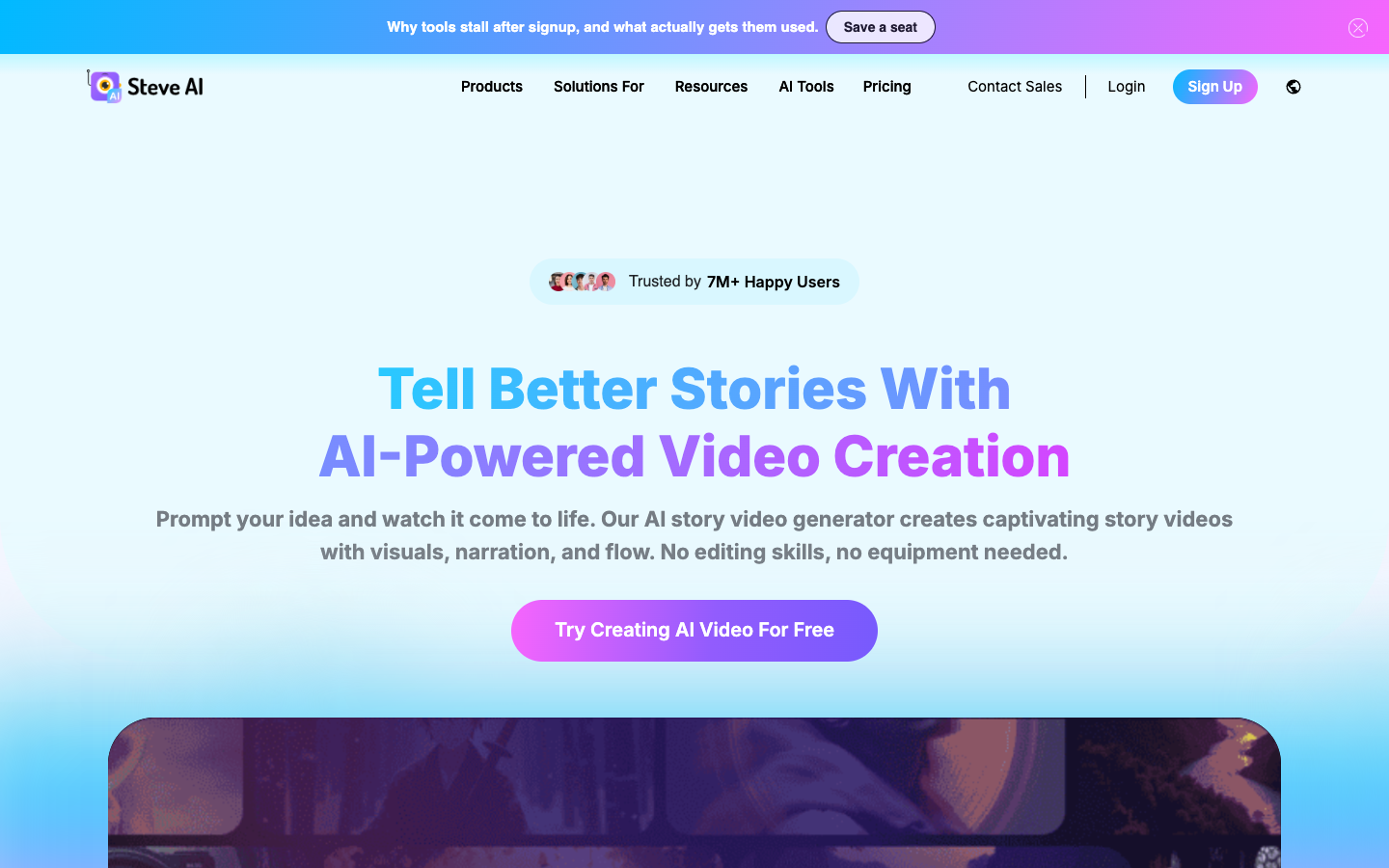
Steve AI focuses on converting ideas and source material into structured videos without requiring traditional editing skills. Its official product pages cover prompt-to-video, text and script-to-video, audio-to-video, animation, motion, clip creation, talking-head formats, live action, and generative video. The platform builds a script and scenes, adds narration and visual assets, and lets users refine the result before export.
Good fit
Who should use Steve AI?
- Educators and training teams creating explainers, lessons, instructional videos, and narrated presentations.
- Marketers producing product stories, promotional videos, ads, and social content from scripts or ideas.
- Creators making animated stories, faceless videos, kids content, or voice-led YouTube videos.
- Teams that prefer automated scene building and stock or generated assets over manual timeline construction.
Compare first
Who should compare alternatives first?
- Plan allowances separate AI video minutes from generative-video seconds or minutes, so check which workflow consumes each quota.
- Starter exports at 1080p, Pro and Generative AI at 2K, while 4K is listed for Enterprise.
- The public pricing page does not fully state free-account limits.
- Compare a specialist cinematic generator if short diffusion-style clips are the main requirement rather than complete narrated videos.
Use cases
Steve AI use cases
- Turn prompts, scripts, blogs, text, audio, or ideas into complete narrated videos.
- Create animated, live-action, talking-head, hybrid, and generative video formats.
- Produce educational explainers, marketing videos, product stories, and social content.
- Use AI voices, animated characters, generated images, and premium stock media in scenes.
- Resize, refine, and export finished videos for multiple channels.
Capabilities
Steve AI features
- Prompt-to-video, text-to-video, script-to-video, blog-to-video, and audio-to-video inputs.
- Animation, live-action, talking-head, hybrid, and generative video styles.
- Automated script, scene, visual, narration, and flow creation.
- AI voices, animated characters, generated images, and premium stock assets.
- Editable scenes and exports with plan-based resolution and quotas.
- Enterprise options for teams, integrations, branded templates, security, and 4K output.
Pricing
Steve AI pricing, plans, and credits
Steve AI currently discounts annual billing by more than 30%. The public pricing page lists Starter at an effective $19 per month, Pro at $39, and Generative AI at $99, billed yearly. Plans combine monthly AI video minutes, image and stock allowances, generative seconds or minutes, resolution, voices, characters, and unlimited exports.
100 AI video minutes and 120 generative seconds/month
Individual creators making regular narrated videos.300 AI video minutes and 120 generative seconds/month
Professionals producing more video and visual assets.400 AI video minutes and 15 generative minutes/month
Creators prioritizing generative video volume.Custom limits
Organizations needing scale and governance.Free plan and limits
Steve AI promotes free creation from its homepage, but the current public pricing table does not state a complete free monthly allowance. Verify free credits, watermark, resolution, and export limits after sign-up.
Credits and billing checks
- Confirm whether usage is metered by credits, minutes, generations, seats, or exports.
- Check whether free usage renews monthly or is a one-time allowance.
- Verify whether team seats share one usage pool or receive separate allowances.
- Review export limits, watermark rules, commercial rights, and cancellation terms before paying.
Verification notes
What to verify before choosing it
- Confirm current pricing and free plan limits on the official site.
- Test the output quality against your real workflow before scaling usage.
- Compare the tool against close competitors for pricing, features, and workflow fit.
Tradeoffs
Steve AI strengths and tradeoffs
Pros
- Supports more starting formats than a prompt-only video generator.
- Useful for complete narrated and animated stories rather than isolated visual clips.
- Paid plans publish clear video-minute, asset, resolution, and generative-credit allowances.
Cons
- Generative-video credits are much smaller than the broader AI video-minute allowance and must be budgeted separately.
- Free-account limits are not transparent on the public pricing table.
- Users seeking precise cinematic camera control may prefer a specialist generative model.
Recommendation
Should you use Steve AI?
Choose Steve AI when the goal is a complete narrated or animated video built from a prompt, script, blog, audio file, or idea. Before paying, confirm whether your normal projects use AI video minutes, generative credits, or both, and test the visual style against a real brief.
Questions
FAQs of Steve AI
What is Steve AI?
Steve AI is a browser platform that turns prompts, scripts, text, blogs, audio, and ideas into narrated, animated, live-action, talking-head, hybrid, or generative videos.
Is Steve AI free?
Steve AI promotes free creation, but its public pricing page does not fully state the current free credits, watermark, resolution, or export allowance.
How much does Steve AI cost?
At verification, annual billing showed Starter at $19 per month, Pro at $39, Generative AI at $99, and Enterprise with custom pricing.
Can Steve AI create animated videos?
Yes. Animation, animated characters, story videos, live action, talking-head, hybrid, and generative formats are part of the published product range.
What is the difference between AI video minutes and generative credits?
The pricing page lists broad AI video production minutes separately from much smaller generative-video allowances, so the selected workflow determines which quota applies.