
Overview
What is Filmora?
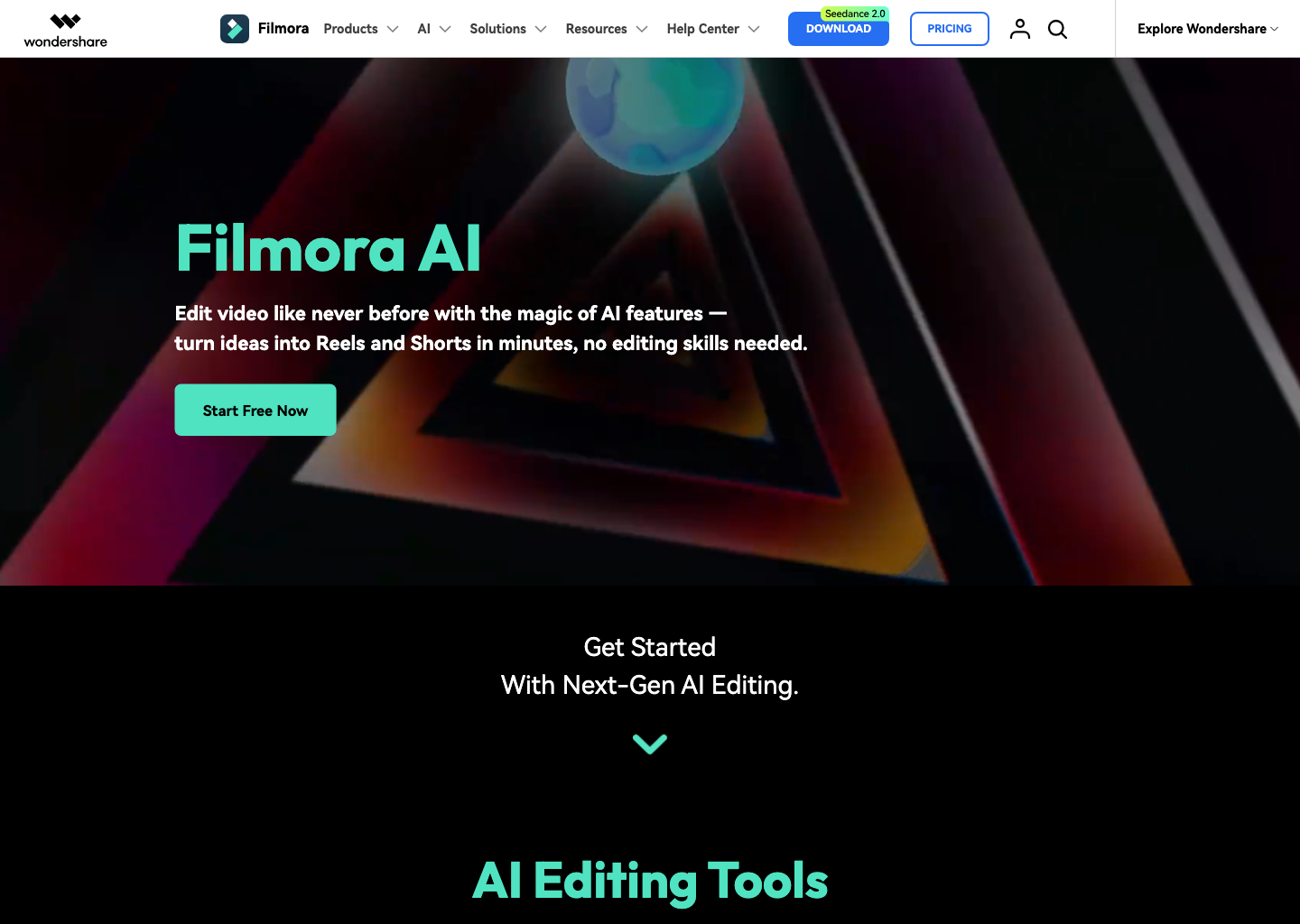
Filmora is an editor-first product rather than a single video model. Its official AI pages list text-based editing, text-to-video, image-to-video, audio-to-video, idea-to-video, smart short clips, captions, speech-to-text, text-to-speech, music, audio denoise, smart cutout, object removal, video enhancement, color tools, and video translation. It also promotes a standard editing timeline, effects, templates, and creative assets. Exact AI model access, credits, assets, platform availability, and plan inclusions can change, so use the current product and shop pages to verify the workflow that matters to you.
Good fit
Who should use Filmora?
- YouTubers, educators, marketers, and social creators who want a familiar timeline editor with AI shortcuts.
- Creators editing talking-head, tutorial, product, and short-form footage that benefits from captions, cleanup, enhancement, and effects.
- Users who want to combine generated media and AI-assisted editing with regular cutting, layers, transitions, and export.
- Teams comparing a creator-friendly desktop editor with design-first workflows such as Canva.
Compare first
Who should compare alternatives first?
- Compare the operating-system edition, renewal terms, update period, and current sale price rather than assuming one storefront price applies everywhere.
- Check whether the AI feature, selected generation model, creative asset, or add-on you need consumes separate credits or requires a separate entitlement.
- Choose Canva first when collaborative brand design and simple browser-first production matter more than a desktop editing timeline.
- Choose a dedicated video generator first when generation quality and control—not editing existing footage—are the primary decision criteria.
Use cases
Filmora use cases
- Edit creator videos, tutorials, product demos, and social clips on a timeline.
- Create a first draft from text, an image, audio, or an idea, then refine it in the editor.
- Turn spoken footage into editable text, subtitles, captions, and short clips.
- Improve footage with AI enhancement, denoise, color tools, cutout, object removal, and audio features.
- Translate video and prepare multiple social-ready exports from an edited project.
Capabilities
Filmora features
- Timeline video editing with effects, templates, titles, transitions, and creative assets.
- AI Text-Based Editing, speech-to-text, dynamic subtitles, and text-to-speech.
- AI Text-to-Video, Image-to-Video, Audio-to-Video, and Idea-to-Video workflows.
- Smart Short Clips for breaking longer video into social-ready cuts.
- AI Video Enhancer, denoise, color tools, smart search, and scene-cut assistance.
- AI cutout, object removal, music, vocal-removal, translation, and audio tools.
Pricing
Filmora pricing, plans, and credits
Filmora offers recurring monthly and annual subscriptions plus a perpetual purchase option in its US online shop. The live shop currently displays a monthly plan at $19.99/month, annual pricing from $49.99/year, and perpetual pricing from $79.99 as a one-time fee, alongside promotions and optional add-ons. These are storefront prices rather than universal guarantees: confirm your operating system, territory, update period, AI credits, creative-asset entitlement, renewal, and add-on terms at checkout.
Try Filmora before selecting a paid plan
Evaluating the editing workflow before purchase.One-month Filmora subscription
Creators who need flexible month-to-month access.One-year Filmora subscription
Creators who expect to use Filmora throughout the year.Perpetual license option
Users who prefer a one-time-license path.Free plan and limits
Filmora offers a free download / try flow on its official site. Confirm current export watermark, feature, AI-credit, asset, and platform limits before relying on the trial for a client deliverable.
Credits and billing checks
- Confirm whether usage is metered by credits, minutes, generations, seats, or exports.
- Check whether free usage renews monthly or is a one-time allowance.
- Verify whether team seats share one usage pool or receive separate allowances.
- Review export limits, watermark rules, commercial rights, and cancellation terms before paying.
Verification notes
What to verify before choosing it
- Confirm current pricing and free plan limits on the official site.
- Test the output quality against your real workflow before scaling usage.
- Compare the tool against close competitors for pricing, features, and workflow fit.
Tradeoffs
Filmora strengths and tradeoffs
Pros
- Pairs familiar timeline editing with a broad set of AI-assisted creator tools.
- Supports both generated-media starting points and conventional footage editing.
- Offers monthly, annual, and perpetual purchase paths in the US shop.
Cons
- Displayed pricing, promotions, add-ons, and included assets vary by region and checkout configuration.
- AI availability, credits, and model access can differ by feature and product version.
- A desktop editor may be less convenient than a browser-first collaborative design tool for lightweight team work.
Recommendation
Should you use Filmora?
Use Filmora when you want an approachable, editor-first workflow that can take raw footage or AI-generated material to a finished video. It is a strong prerequisite for a future Filmora vs Canva comparison: pick Filmora for timeline depth and AI-assisted post-production, then compare Canva for browser-first branded design and lightweight collaboration.
Questions
FAQs of Filmora
What is Filmora?
Filmora is a creator-focused video editor with a timeline, effects, templates, assets, and AI tools for generation, editing, captions, audio, enhancement, and export.
Can Filmora generate videos with AI?
Filmora's official AI pages list text-to-video, image-to-video, audio-to-video, and idea-to-video tools, alongside editing tools. Check the current product for model, credit, and availability details.
Is Filmora free?
Filmora offers a free download / try flow. Verify current export-watermark, feature, AI-credit, asset, and platform limitations before using the trial for final work.
How much does Filmora cost?
The US shop currently displays a $19.99 monthly plan, annual pricing from $49.99, and perpetual pricing from $79.99, but promotions, regions, editions, add-ons, and included entitlements can change.
When should I choose Filmora instead of Canva?
Choose Filmora when a desktop timeline, detailed post-production, captions, audio cleanup, enhancement, and generated-media editing are central. Compare Canva when browser-first brand design and light team collaboration lead the workflow.