
Overview
What is Akool AI?
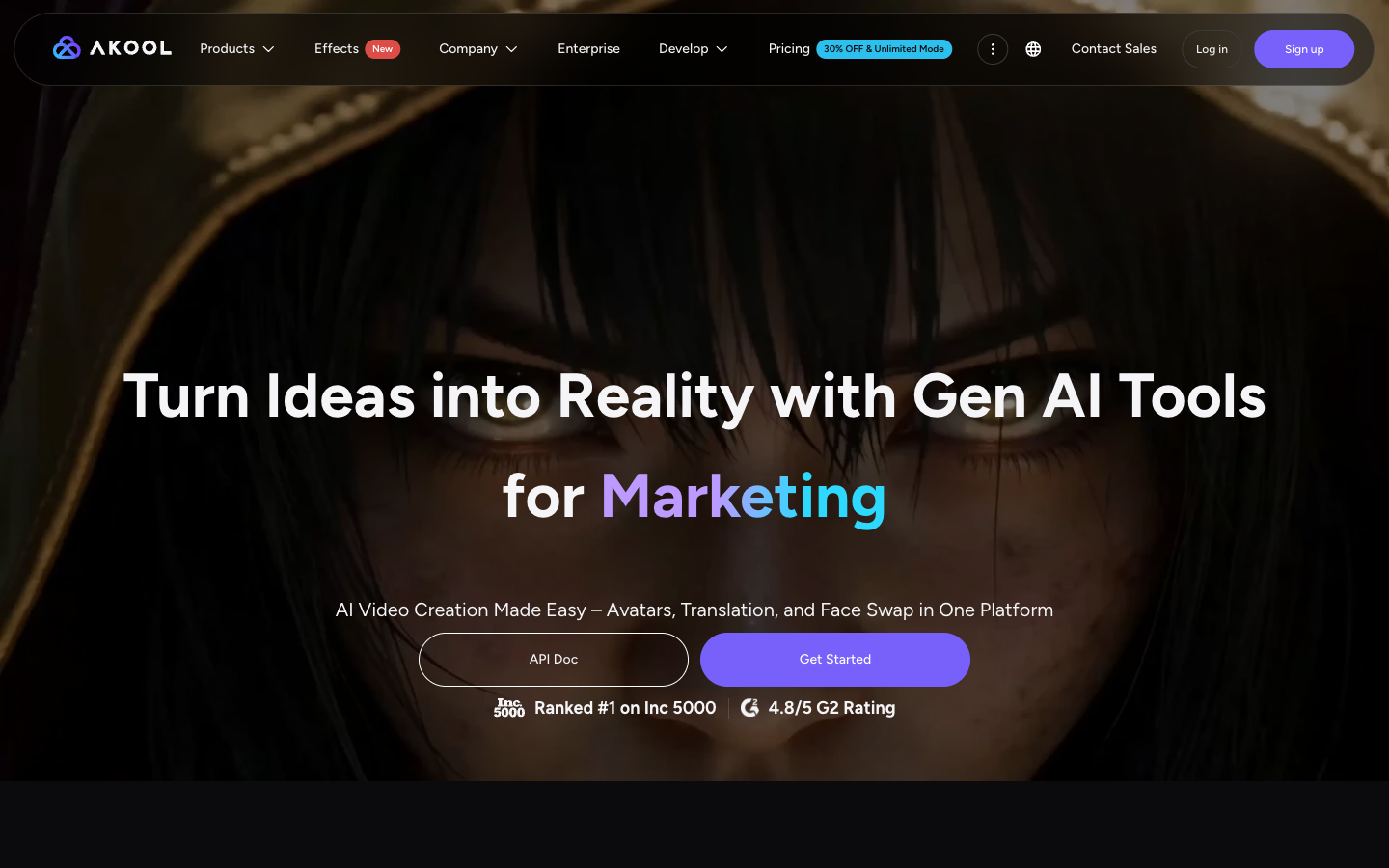
Akool positions its platform as a broad AI video suite rather than a single generator. Creators can generate from text or images, make avatar-led videos, translate existing footage with lip sync, swap faces and characters, create voices, and work with live streaming avatars. Developers can integrate supported capabilities through the OpenAPI. The product is credit-based, and model, resolution, plan, and concurrency choices change the cost and limits of each workflow.
Good fit
Who should use Akool AI?
- Marketing teams producing localized campaigns, product demos, social assets, and personalized video.
- Creators making avatar videos, talking photos, face swaps, translated clips, and short generated videos.
- Businesses that need streaming avatars, workspace controls, higher concurrency, or business licensing.
- Developers integrating supported avatar, translation, face, voice, image, and video capabilities through the OpenAPI.
Compare first
Who should compare alternatives first?
- Credit use varies by model, duration, resolution, and workflow, so estimate cost with representative jobs before scaling.
- Free access is watermarked and limited; commercial licensing starts on paid plans, while Business is the first listed business-license tier.
- API access, workspace collaboration, higher concurrency, and the broadest limits are reserved for higher plans.
- The suite is broad, so compare a specialist generator or editor when one workflow matters more than having many tools.
Use cases
Akool AI use cases
- Create text-to-video and image-to-video social or marketing assets.
- Produce avatar-led explainers, presentations, training content, and personalized messages.
- Translate existing videos into 155+ supported languages with voice and lip-sync options.
- Create face-swap, talking-photo, voice, and live-avatar experiences.
- Integrate supported AI media workflows into products through the Akool API.
Capabilities
Akool AI features
- Text-to-video, image-to-video, video-to-video, and reference-to-video workflows.
- Avatar video, talking photo, streaming avatar, and character tools.
- Video translation with captions, lip sync, voice selection, and multilingual support.
- Face swap, live face swap, character swap, and related visual transformation tools.
- Voice generator, voice clone, text-to-speech, and voice changer.
- Agentic Canvas, multiple AI models, workspace collaboration, and OpenAPI access on eligible plans.
Pricing
Akool AI pricing, plans, and credits
Akool uses credits across generation tools and offers Free, Starter, Pro, Pro Max, Business, and Enterprise access. At verification, annual pricing showed Starter at $12 per seat per month with 200 monthly credits, Pro at $21 with 600 credits, Pro Max at $41.30 with 1,200 credits, and Business at $174.30 with 6,000 credits. Model selection and resolution can change credit use.
Limited platform access
Testing Akool before selecting a paid plan.200 credits/month
First-time creators with lighter production needs.600 credits/month
Professional creators using several models regularly.1,200 credits/month
Power creators and technical workflows.6,000 credits/month
Agencies and small businesses with higher volume.Free plan and limits
The Free tier provides limited, watermarked access with lower resolution and storage. Verify model availability, generation limits, licenses, and export rules in the current account before production use.
Credits and billing checks
- Confirm whether usage is metered by credits, minutes, generations, seats, or exports.
- Check whether free usage renews monthly or is a one-time allowance.
- Verify whether team seats share one usage pool or receive separate allowances.
- Review export limits, watermark rules, commercial rights, and cancellation terms before paying.
Verification notes
What to verify before choosing it
- Confirm current pricing and free plan limits on the official site.
- Test the output quality against your real workflow before scaling usage.
- Compare the tool against close competitors for pricing, features, and workflow fit.
Tradeoffs
Akool AI strengths and tradeoffs
Pros
- Combines generation, avatars, translation, face, voice, and API capabilities in one platform.
- Multiple model choices and higher-plan concurrency support varied production workflows.
- Published plan tables make resolution, duration, storage, licensing, and feature differences easier to compare.
Cons
- Credit consumption varies enough by model and output settings that plan credits do not translate directly into a fixed number of finished videos.
- Free output is watermarked, and API, collaboration, and business licensing require higher tiers.
- The large toolset can be more complex than a focused text-to-video or timeline-editing product.
Recommendation
Should you use Akool AI?
Choose Akool AI when avatars, translation, face and voice tools, generation models, and API workflows need to live in one platform. Test the exact model, duration, output resolution, license, and credit cost for a real project before selecting a paid tier.
Questions
FAQs of Akool AI
What is Akool AI?
Akool AI is a multi-tool AI video platform covering generation, avatars, translation, face swap, talking photos, voice workflows, live avatars, and APIs.
Is Akool AI free?
Akool lists a limited Free tier. Its current comparison table shows watermarked output and lower limits than paid plans.
How much does Akool AI cost?
At verification, annual pricing showed Starter at $12, Pro at $21, Pro Max at $41.30, and Business at $174.30 per seat per month. Monthly prices and promotions can differ.
Does Akool AI have an API?
Yes. Akool publishes OpenAPI documentation for supported face, avatar, voice, translation, image, and video workflows.
Which video models are available in Akool?
The current product lists Akool models and third-party options such as Seedance, Kling, Wan, Hailuo, Google Veo, Sora, Vidu, and PixVerse; availability depends on the workflow and plan.