
Overview
What is Canva AI Video Generator?
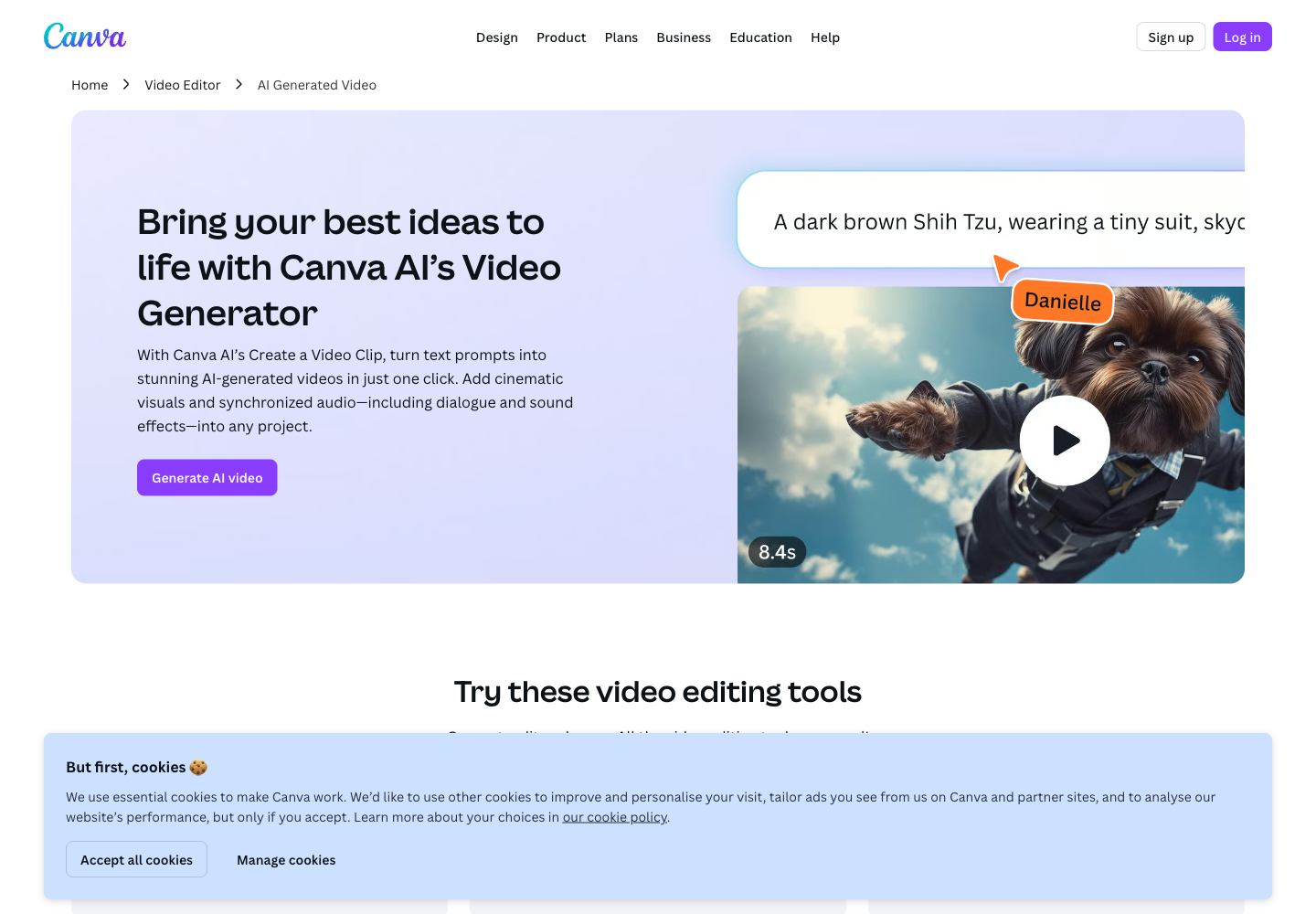
Canva AI Video Generator is part of Canva AI and Magic Studio rather than a separate video product. Its Create a Video Clip feature uses Google Veo 3 to generate one cinematic 16:9 video of up to eight seconds from a text prompt, with synchronized dialogue, sound effects, sound design, or music. Users can add the result to a Canva design and continue with trimming, cropping, transitions, filters, captions, animation, templates, stock media, Brand Kits, background removal, presentation, MP4 download, collaboration, and sharing.
Good fit
Who should use Canva AI Video Generator?
- Marketers, social teams, small businesses, educators, and creators who already use Canva and want AI-generated clips inside the same design workflow.
- Teams creating product concepts, campaign visuals, ads, onboarding videos, presentations, social posts, and branded short-form content.
- Non-designers who need prompt-to-video generation plus templates, graphics, captions, animations, filters, music, and simple editing without learning professional software.
- Creators who need short cinematic 16:9 clips with synchronized dialogue, sound effects, or music from Google Veo 3.
- Brand and enterprise teams that need Brand Kits, collaboration, permissions, shared assets, localized content, and controlled access to AI tools.
Compare first
Who should compare alternatives first?
- Compare alternatives first if you need longer native generations: Canva Create a Video Clip generates one 16:9 video of up to eight seconds per prompt.
- Compare alternatives first if you need unlimited generation. Canva says Pro, Business or Teams, Enterprise, and Nonprofit users receive a limited number of cinematic video clips per month.
- Compare alternatives first if you need detailed model controls, keyframes, reference-character locking, multiple generated aspect ratios, or API access rather than an integrated design workflow.
- Compare alternatives first if exclusive commercial ownership is required. Canva allows commercial use subject to its terms but warns users may not have exclusive rights to AI-generated designs.
- Compare alternatives first if Canva Free is your only option, because Create a Video Clip is listed for eligible Pro, team/business, Enterprise, and Nonprofit users rather than the Free plan.
Use cases
Canva AI Video Generator use cases
- Generate short cinematic product concepts, campaign scenes, advertisements, and social visuals from text prompts.
- Create up to eight-second video clips with synchronized dialogue, sound effects, sound design, or music for use inside larger Canva projects.
- Build onboarding videos, explainers, ads, and presenter content with AI avatars and scripts in more than 40 languages.
- Turn uploaded footage into social-ready videos using Magic Video, smart cuts, synced audio, transitions, and layouts.
- Create product demos, travel vlogs, behind-the-scenes reels, presentation videos, and branded social posts.
- Create faceless videos, tutorials, lyric videos, animated text videos, and trend-inspired social content using Canva apps and templates.
- Customize generated clips with graphics, stickers, fonts, colors, animations, captions, filters, transitions, cropping, trimming, and background removal.
- Apply Brand Kits and templates so AI-generated scenes match company colors, fonts, logos, and campaign design systems.
- Download high-resolution MP4 files, present directly from Canva, share through email, or publish through connected social workflows.
Capabilities
Canva AI Video Generator features
- Create a Video Clip uses Google Veo 3 to generate cinematic video from a text prompt.
- Each prompt produces one 16:9 video clip of up to eight seconds.
- Generated video can include synchronized dialogue, sound effects, sound design, and music.
- Generated clips can be added directly to a Canva design for further customization.
- Canva Video Editor supports trimming, cropping, rotating, transitions, filters, captions, animation, background removal, and high-resolution MP4 download.
- AI avatar integrations can turn a photo or selected avatar into a talking-head video with scripts in more than 40 languages.
- Magic Video assembles uploaded footage into a social-ready edit with smart cuts, synced audio, transitions, and layouts.
- Magic Design can turn uploaded images and video into a cohesive video story with music recommendations and Beat Sync.
- Templates, graphics, stickers, fonts, stock media, animation effects, music, and Brand Kits are available in the same workspace.
- Canva works in a web browser and app, with sharing, presenting, collaboration, and social publishing workflows.
- Business and enterprise plans add higher premium-AI usage, team collaboration, permissions, brand management, and organization controls.
Pricing
Canva AI Video Generator pricing, plans, and credits
Canva AI Video Generator is not sold as a separate subscription. Canva Free provides video editing, templates, media, and design tools, but Create a Video Clip is listed for eligible Pro, Business or existing Teams, Enterprise, and Nonprofit users with a limited number of cinematic generations each month. Canva Pro pricing is localized by country and billing cycle. Canva Business is officially listed at US$20 per person per month with no seat minimum and higher use of premium AI tools. Canva Enterprise uses custom pricing for organization controls, security, brand management, and scaled collaboration.
AI video generation not included
Editing and assembling videos without Veo 3 clip generation.Limited cinematic video generations per month
Individuals and creators who want AI generation inside Canva.Higher premium AI usage
Marketers, solo businesses, and small teams scaling branded content.Organization-level AI access and controls
Large organizations requiring governance, security, and brand control.Limited cinematic video generations per month
Eligible nonprofit organizations creating campaigns and communications.Free plan and limits
Canva Free includes video editing and design tools, but Veo 3-powered Create a Video Clip requires an eligible Pro, Business or Teams, Enterprise, or Nonprofit plan.
Credits and billing checks
- Confirm whether usage is metered by credits, minutes, generations, seats, or exports.
- Check whether free usage renews monthly or is a one-time allowance.
- Verify whether team seats share one usage pool or receive separate allowances.
- Review export limits, watermark rules, commercial rights, and cancellation terms before paying.
Verification notes
What to verify before choosing it
- Confirm current pricing and free plan limits on the official site.
- Test the output quality against your real workflow before scaling usage.
- Compare the tool against close competitors for pricing, features, and workflow fit.
Tradeoffs
Canva AI Video Generator strengths and tradeoffs
Pros
- AI video generation, editing, templates, branding, collaboration, and publishing live in one familiar Canva workspace.
- Veo 3 generation includes synchronized audio, dialogue, and sound effects instead of silent visual output only.
- Strong fit for non-designers and teams that need fast social, campaign, presentation, onboarding, and branded video assets.
- Generated clips can be immediately refined with Canva's existing media library, animations, captions, Brand Kits, and editor.
Cons
- Native AI generations are limited to one 16:9 clip of up to eight seconds per prompt.
- Monthly cinematic video generation is limited and unavailable on the standard Canva Free plan.
- Canva provides less specialized generative-video control than tools focused on camera motion, keyframes, character consistency, or multi-shot filmmaking.
- Commercial use is allowed under Canva terms, but AI-generated designs may not be exclusive.
Community evidence
Reddit and community signals
Public Canva community discussion is mixed-positive: users value the beginner-friendly editor, templates, fast social content, branding, and integrated AI tools, while recurring concerns focus on limited generations, restricted control, short clip length, and lower precision than professional editors.
Sentiment: Mixed-positive: strongest for quick branded content and beginner workflows; weaker for advanced filmmaking, long-form production, and detailed generative control.
Recommendation
Should you use Canva AI Video Generator?
Canva AI Video Generator is worth shortlisting if you already use Canva and want short Veo 3 clips with synchronized audio inside an easy editing, branding, template, presentation, and collaboration workflow. Compare Google Veo, Runway, Kling, Luma, Hailuo, Higgsfield, or dedicated editors if you need longer native generations, advanced camera or keyframe control, character consistency, multiple generated aspect ratios, API automation, or professional timeline editing.
Questions
FAQs of Canva AI Video Generator
What does Canva AI Video Generator do?
Canva AI's Create a Video Clip turns a text prompt into one cinematic 16:9 video of up to eight seconds using Google Veo 3. It can generate synchronized dialogue, sound effects, sound design, and music, then add the clip to Canva for editing and design.
Is Canva AI Video Generator free?
Canva Free includes video editing and design tools, but Canva says Create a Video Clip is available to Pro, Business or Teams, Enterprise, and Nonprofit users with a limited number of cinematic video generations per month.
How much does Canva AI Video Generator cost?
AI video generation is included in eligible Canva subscriptions rather than sold as a separate plan. Canva Pro uses localized regional pricing, Canva Business is officially listed at US$20 per person per month, Enterprise is custom priced, and eligible nonprofits can access Canva for Nonprofits.
How long are Canva AI-generated videos?
Canva says Create a Video Clip generates one 16:9 video of up to eight seconds per prompt. Users can add the generated result to a larger Canva video project and combine it with other clips, media, text, audio, and transitions.
Can Canva AI videos include sound?
Yes. Canva's Veo 3-powered Create a Video Clip can generate synchronized audio, including dialogue, sound effects, sound design, and music.
Can Canva AI videos be used commercially?
Canva says AI-generated designs can be used for personal or commercial projects when users follow its AI Product Terms and Terms of Use, but users may not have exclusive rights to generated output.