
Overview
What is Descript AI Video?
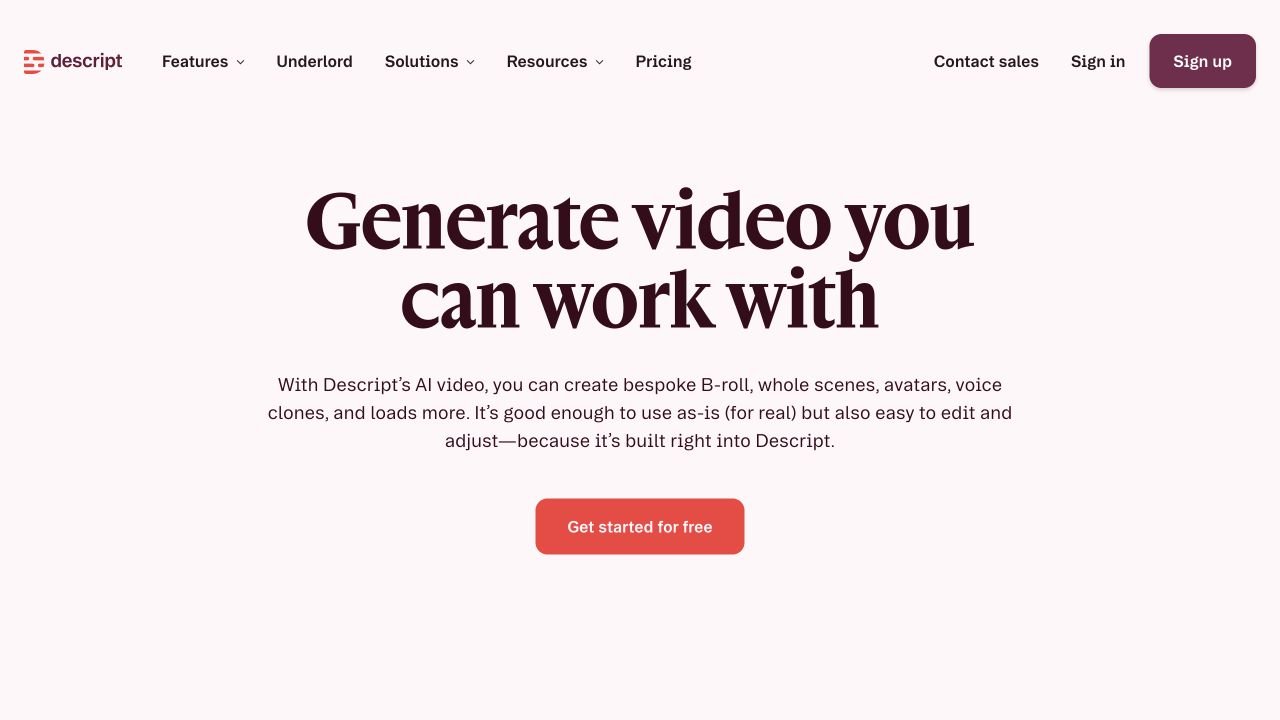
Descript AI Video is part of Descript, a transcript-based video and audio editor for creating, editing, and publishing video projects. The official AI video page says users can generate B-roll, whole scenes, avatars, voice clones, AI voices, and prompt-to-video clips, then edit those generated assets alongside recorded footage. Descript also supports captions, translation and dubbing, Studio Sound, Eye Contact, Regenerate for changing or repairing spoken delivery, and Underlord, an AI co-editor that helps create, clean up, repurpose, and publish projects. Its pricing and help pages describe media hours, AI credits, export resolution, seats, stock media, Brand Studio, custom avatars, API, and MCP automation as plan-dependent parts of the workflow.
Good fit
Who should use Descript AI Video?
- Podcasters, YouTubers, and video creators who want to edit recordings through a transcript and turn long conversations into publishable videos or clips.
- Marketing, education, training, sales, and internal-communications teams creating explainers, tutorials, webinars, demos, social clips, and narrated visual assets.
- Creators who want generated B-roll, whole scenes, avatars, AI voices, voice clones, captions, and translation inside the same editor as their recorded footage.
- Teams that need AI cleanup tools such as Studio Sound, filler-word removal, Eye Contact, Regenerate, captions, and Underlord co-editing before export.
- Organizations experimenting with automated video workflows through Descript API or MCP, including project creation, Underlord edits, publishing, and transcript-based edits.
Compare first
Who should compare alternatives first?
- Compare alternatives first if you mainly need a dedicated cinematic generation lab. Descript is strongest as an editor-first workflow that mixes generated media with recorded video.
- Compare alternatives first if budget predictability matters, because Descript uses media hours for imported or processed media and AI credits for Underlord and AI edits.
- Compare alternatives first if the free plan must support ongoing production. The Free plan includes 60 media minutes per month and 100 one-time AI credits.
- Compare alternatives first if automatic filler-word removal, multicam edits, or AI video decisions must be production-ready without manual review; community users often still check and clean edits.
- Compare alternatives first if team seats, 4K export, Brand Studio, stock media, translation, custom avatars, or priority support are required, because these differ by paid plan.
Use cases
Descript AI Video use cases
- Generate AI video scenes from prompts and keep editing them in Descript.
- Create generated B-roll and visual cutaways for podcasts, YouTube videos, demos, and marketing edits.
- Combine generated video, uploaded footage, screen recordings, audio, captions, and stock media in one timeline.
- Edit podcasts, interviews, webinars, and recorded videos by editing the transcript.
- Repurpose long recordings into social clips, highlight reels, shorts, and promotional snippets.
- Add dynamic captions, subtitles, and styled text to recorded or generated videos.
- Create avatar-led or voice-led videos with custom avatars, AI voices, and voice cloning features.
- Translate or dub video into multiple languages for localization and multilingual publishing.
- Repair spoken mistakes or change wording with Regenerate instead of re-recording an entire section.
- Use Underlord to help create, clean up, repurpose, publish, and improve videos under editor control.
Capabilities
Descript AI Video features
- AI Video Maker for prompt-to-video workflows inside the Descript editor.
- Generated B-roll, whole scenes, avatars, voice clones, and AI voices listed on the official AI video page.
- Model choice for AI video generation, including Veo 3.1 availability shown on the official product page.
- Transcript-based editing for cutting video and audio by editing text.
- Underlord AI co-editor for creating, editing, improving, and repurposing video projects.
- Regenerate tools for changing or repairing spoken delivery and matching mouth movement in supported video workflows.
- Studio Sound for improving recorded audio quality.
- Remove Filler Words and transcript cleanup tools for speech-heavy recordings.
- Eye Contact and visual polish tools for recorded presenter videos.
- Automatic captions, dynamic captions, and subtitle styling for finished videos.
- Translation and dubbing workflows for multilingual video publishing.
- API and MCP workflows for importing media, editing with Underlord, creating projects from prompts, and publishing project links.
Pricing
Descript AI Video pricing, plans, and credits
Descript currently offers a Free plan with 60 media minutes per month, 100 one-time AI credits, and 720p export. Annual paid plans start with Hobbyist at $16 per person per month with 10 media hours and 400 AI credits per month, Creator at $24 with 30 media hours and 800 AI credits, Business at $50 with 40 media hours and 1,500 AI credits, and Enterprise with custom media minutes, AI credits, security, legal, and billing terms. Plans also differ by export resolution, seats, stock media, Underlord access, AI Speech, video Regenerate, latest AI video models, Brand Studio, translation, custom avatars, and support.
60 media min/mo + 100 one-time AI credits
Users testing Descript before paid AI video or podcast production.10 media hr/mo + 400 AI credits/mo
Individual creators producing regular edited videos or podcasts.30 media hr/mo + 800 AI credits/mo
Creators and small teams that need more AI generation, 4K export, and larger monthly allowances.40 media hr/mo + 1,500 AI credits/mo
Business teams creating branded, localized, and collaborative video content.Custom media minutes + custom AI credits
Organizations needing security, governance, custom usage, and procurement terms.Free plan and limits
Free plan with 60 media minutes per month, 100 one-time AI credits, limited AI features, and 720p local or web export.
Credits and billing checks
- Confirm whether usage is metered by credits, minutes, generations, seats, or exports.
- Check whether free usage renews monthly or is a one-time allowance.
- Verify whether team seats share one usage pool or receive separate allowances.
- Review export limits, watermark rules, commercial rights, and cancellation terms before paying.
Verification notes
What to verify before choosing it
- Confirm current pricing and free plan limits on the official site.
- Test the output quality against your real workflow before scaling usage.
- Compare the tool against close competitors for pricing, features, and workflow fit.
Tradeoffs
Descript AI Video strengths and tradeoffs
Pros
- Combines AI video generation with a mature transcript-based editor instead of stopping at raw generated clips.
- Useful for recordings, podcasts, interviews, and social clips because AI media, captions, cleanup, and editing live in one project.
- Official pricing exposes media hours, AI credits, export resolution, seats, and stock-library differences by plan.
- Underlord, Regenerate, Studio Sound, captions, translation, avatars, and AI voices support a broad creator workflow.
Cons
- Media hours and AI credits both affect usage, so heavy editing and generation require budget tracking.
- The free plan is limited for sustained production because it includes 60 media minutes per month and 100 one-time AI credits.
- Automatic transcript, filler-word, multicam, or AI edits may still need human review on real projects.
- Teams needing pure cinematic model control may prefer a dedicated AI video generator before committing.
- 4K export, larger media hours, Brand Studio, custom avatars, translation, and priority support sit on higher plans.
Community evidence
Reddit and community signals
Community discussion is mixed-positive for transcript-based podcast and video editing. Users often value Studio Sound, filler-word removal, rough-cut speed, and editing from a transcript, while complaints focus on automatic edit accuracy, filler-word alignment, AI video or multicam decisions, browser performance, and the need for manual cleanup before publishing.
Sentiment: Mixed-positive for transcript-based video and podcast editing; cautious for unsupervised AI video, multicam, filler-word cleanup, and credit-heavy production workflows.
Next comparisons
Best alternatives and related comparisons
Related comparisons
Recommendation
Should you use Descript AI Video?
Descript AI Video is worth shortlisting if your workflow starts with recordings, podcasts, interviews, webinars, tutorials, or social clips and you want generated B-roll, scenes, captions, voice tools, cleanup, translation, and transcript editing in one editor. It is strongest when AI generation needs to become an edited, publishable video rather than a standalone raw clip. Compare Runway, Kling, Pika, Luma, PixVerse, Captions, VEED, and Canva first if your decision depends on pure cinematic generation, simple mobile-first social editing, predictable AI-credit budgets, or high-volume generation at a fixed cost.
Questions
FAQs of Descript AI Video
What does Descript AI Video do?
Descript AI Video helps users generate and edit video inside Descript. Its official AI video page describes AI-generated B-roll, whole scenes, avatars, voice clones, AI voices, captions, translation, Regenerate, and Underlord-assisted editing in the same project workflow.
Is Descript AI Video free?
Yes. Descript has a Free plan with 60 media minutes per month, 100 one-time AI credits, limited AI features, and 720p local or web export. Heavier AI video work usually requires a paid plan.
How much does Descript AI Video cost?
Descript annual pricing currently lists Hobbyist at $16 per person per month, Creator at $24 per person per month, Business at $50 per person per month, and Enterprise with custom pricing. Plans differ by media hours, AI credits, export quality, seats, stock access, translation, and business controls.
Can I edit AI-generated video in Descript?
Yes. Descript positions AI-generated media as editable inside the same editor as recorded footage, so users can combine generated scenes, captions, voice tools, uploaded footage, audio, and transcript edits before export.
What are Descript media hours and AI credits?
Descript pricing and help separate media hours from AI credits. Media hours cover imported or processed media time, while AI credits are used by Underlord and AI editing or generation tools.
Which Descript plan is best for AI video?
Creator is the first plan that adds 4K export and a larger 800 AI-credit monthly allowance, while Business adds 1,500 AI credits, Brand Studio, translation and dubbing in 30+ languages with proofread, custom avatars, and priority support.