
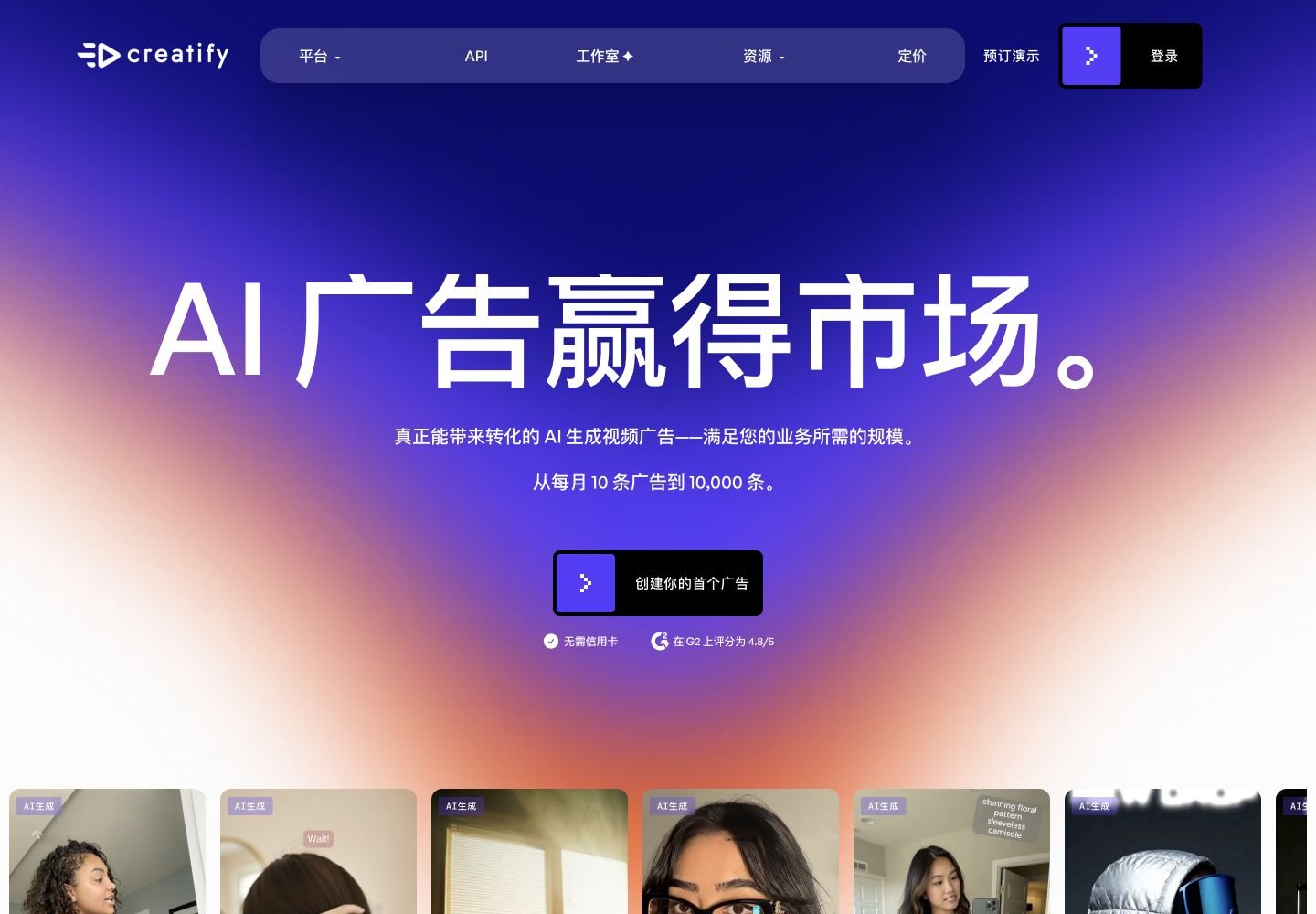
Overview
What is Creatify AI?
Creatify AI is an AI advertising platform for producing, testing, and analyzing short-form video creatives. Its official pages describe URL-to-video generation, realistic AI avatars, UGC-style ads, AI script writing, Ad Clone, product videos, precise editing, multilingual voices and captions, batch generation, creative asset management, competitor research, winning-ad discovery, ad analytics, and API endpoints. It is designed primarily for e-commerce, DTC, agency, and performance-marketing teams that need more ad variations without traditional filming and production cycles.
Good fit
Who should use Creatify AI?
- Performance marketers, e-commerce brands, DTC teams, and agencies that need many short-form video ad variations for Meta, TikTok, YouTube, Instagram, and other paid channels.
- Teams that want to turn a Shopify, Amazon, App Store, or other product URL into scripts, visuals, voiceover, captions, avatars, and ready-to-test video ads.
- Marketers producing UGC-style ads, product demonstrations, testimonials, problem-solution ads, comparison ads, talking-head ads, and localized campaigns without filming every creative.
- Creative teams fighting ad fatigue that need Ad Clone, batch creative generation, competitor research, winning-ad inspiration, asset management, and performance analysis.
- Developers and platforms that need API access for URL-to-video, AI avatar video, and video-generation workflows at higher production volume.
Compare first
Who should compare alternatives first?
- Compare alternatives first if you need watermark-free output on a free account. Creatify Free includes 10 credits per month, about two videos, limited tools, 9:16 output, and watermarked exports.
- Compare alternatives first if predictable output count is essential. AI Video Ads, Avatar Videos, and AI Shorts cost 5 credits per 15 seconds, revisions cost 3 credits per 15 seconds, and Ad Clone costs 1 credit per second.
- Compare alternatives first if you need every edit to be free. On Pro and higher tiers, revisions avoid credit use only when the script, avatar, and voice remain unchanged.
- Compare alternatives first if your workflow depends on legacy AI Shorts, Product Video, or Video Translation tools. Creatify says those dashboard tools are being sunset at the end of May 2026, with direct links remaining available.
- Compare alternatives first if you mainly need a general-purpose timeline editor or cinematic AI video model. Creatify is specialized around advertising workflows, UGC-style creatives, product links, avatars, and performance marketing.
- Compare alternatives first if one-click results must always be final. Community feedback says strong ads often require multiple generations, script refinement, avatar selection, and editing before launch.
Use cases
Creatify AI use cases
- Turn a product URL into a complete short-form video ad with an AI script, product visuals, voiceover, captions, music, and a selected avatar.
- Create UGC-style talking-head ads without hiring, shipping products to, or coordinating with human creators.
- Generate product demonstration, testimonial, problem-solution, before-and-after, comparison, and promotional video ads.
- Clone the structure of an existing successful ad and rebuild it around a different product, offer, script, or creative angle.
- Generate many hooks, intros, scripts, avatars, voices, and creative variations for paid-social A/B testing.
- Create multilingual ads using supported languages, accents, voices, captions, and localized scripts.
- Build AI avatar videos from text prompts, product assets, custom scripts, or product pages.
- Create product images and product videos for e-commerce listings, landing pages, and social campaigns.
- Track competitor ads, collect winning-ad inspiration, organize creative assets, and review ad performance in AdMax workflows.
- Integrate URL-to-video, AI avatar, and video-generation capabilities into applications through the Creatify API.
Capabilities
Creatify AI features
- URL to Video can extract product information and media from supported links and turn them into video-ad drafts.
- AI Video Ads combines scripts, visuals, avatars, voiceover, captions, music, and editing into a guided ad-production workflow.
- AI Avatar provides realistic digital presenters for UGC-style, testimonial, spokesperson, and product videos.
- Creatify supports custom avatars, talking-photo workflows, realistic voices, multiple languages, captions, and aspect-ratio options on eligible plans.
- Ad Clone recreates the structure of an existing ad so marketers can test a proven format with their own product and messaging.
- AI Script Writer creates ad scripts and lets users revise hooks, body copy, selling points, and calls to action.
- The precise editor lets users change script, avatar, voice, uploaded images, video clips, text, captions, and other generated elements.
- AdMax adds unlimited credits, Smart Assets, My Ads analytics, industry insights, competitor tracking, and winning-ad research.
- Batch Mode on higher tiers supports generating multiple ads in a production run for faster creative testing.
- The platform supports product images and videos in JPG, PNG, MP4, and MOV formats up to the documented upload limits.
- Creatify API provides asynchronous URL-to-video, avatar, and video-generation endpoints with webhook or task-status workflows.
- Users retain ownership of their generated creatives, and Creatify says included stock footage is royalty-free.
Pricing
Creatify AI pricing, plans, and credits
Creatify offers Free, Starter, Pro, AdMax, and Enterprise plans for the Web product, plus separate API packages. Free includes 10 monthly credits, about two videos, one seat, limited avatars and tools, 9:16 output, and watermarked exports. Starter begins at $19 per month with 20 monthly credits and about four videos. Pro begins at $49 per month with 200 monthly credits, about 40 videos, two seats, more avatars and voices, batch mode, premium tools, and faster processing. AdMax begins at $99 per month with unlimited credits and five seats, plus Smart Assets, ad analytics, competitor tracking, winning-ad research, and performance workflows. Enterprise uses custom pricing. Creatify API pricing is separate and includes free testing plus paid Creator, Pro, and Business packages.
10 credits/mo (~2 videos)
Testing Creatify and making a small number of vertical ad drafts.20 credits/mo (~4 videos)
Individuals and small brands producing occasional video ads.200 credits/mo (~40 videos)
Teams producing and testing video ads regularly.Unlimited credits
Scaled advertisers, agencies, and creative teams.Custom usage
Large organizations requiring custom scale and support.2,000+ API credits/mo
Developers and platforms automating ad-video production.Free plan and limits
Free plan with 10 credits per month, about two videos, one seat, 140+ voices, 29 languages, limited avatars and AI tools, 9:16 output, and watermarked exports.
Credits and billing checks
- Confirm whether usage is metered by credits, minutes, generations, seats, or exports.
- Check whether free usage renews monthly or is a one-time allowance.
- Verify whether team seats share one usage pool or receive separate allowances.
- Review export limits, watermark rules, commercial rights, and cancellation terms before paying.
Verification notes
What to verify before choosing it
- Confirm current pricing and free plan limits on the official site.
- Test the output quality against your real workflow before scaling usage.
- Compare the tool against close competitors for pricing, features, and workflow fit.
Tradeoffs
Creatify AI strengths and tradeoffs
Pros
- Specialized workflow for turning product links and assets into ad-ready UGC, avatar, and product videos.
- Useful for high-volume creative testing because scripts, avatars, hooks, formats, and ad variations can be generated quickly.
- Combines creative production with AdMax research, asset, competitor, and ad-performance workflows.
- Offers both self-service subscriptions and an API for product integrations and larger-volume automation.
Cons
- Free exports include a watermark and are restricted to limited tools and 9:16 output.
- Credit consumption varies by tool, duration, revisions, model tier, and generated asset type.
- Strong final creatives can require multiple generations, script edits, avatar changes, and manual refinement.
- Creatify is less suitable than a full editor for long-form production or than dedicated generative-video models for cinematic shot control.
Community evidence
Reddit and community signals
Community discussion is mixed-positive: marketers value Creatify for URL-to-video ads, realistic-enough avatars, Ad Clone, faster creative iteration, and testing more hooks. Common concerns are credit consumption, the need for multiple generations, occasional avatar or script issues, and the gap between fast AI output and polished human-created UGC.
Sentiment: Mixed-positive: strongest for speed, variation, URL-to-video, and ad testing; weaker when one-generation quality, predictable credit cost, or premium human-style UGC is required.
Recommendation
Should you use Creatify AI?
Creatify AI is worth shortlisting if your main problem is producing and testing more e-commerce, UGC, avatar, product, and paid-social video ads. It is strongest for URL-to-video workflows, rapid variation, Ad Clone, AI avatars, multilingual creative, and performance-marketing teams that value speed over traditional production. Compare HeyGen or Synthesia for polished presenter videos, Captions or VEED for broader editing, and Runway, Kling, Google Veo, or Higgsfield for cinematic generative-video control.
Questions
FAQs of Creatify AI
What does Creatify AI do?
Creatify AI creates short-form video ads from product URLs, scripts, uploaded product media, and AI avatars. It combines script generation, product visuals, realistic voices, captions, music, avatars, editing, ad cloning, creative research, and analytics for performance-marketing workflows.
Is Creatify AI free?
Yes. Creatify has a Free plan with 10 credits per month, about two videos, one seat, realistic avatars, 140+ voices, 29 languages, limited tools, and 9:16 output. Free exports include a watermark.
How much does Creatify AI cost?
Creatify lists Free, Starter from $19 per month, Pro from $49 per month, AdMax from $99 per month, and custom Enterprise pricing. It also offers separate API packages, including Creator and Pro API tiers, with prices and credits listed on the official pricing page.
How do Creatify credits work?
AI Video Ads, Avatar Videos, and AI Shorts cost 5 credits per 15 seconds, rounded up. Revisions cost 3 credits per 15 seconds, Ad Clone costs 1 credit per second, Product Video uses separate image and video charges, and text-to-speech costs 2 credits per audio render.
Can Creatify use a product URL to make an ad?
Yes. Creatify supports product links such as Shopify, Amazon, and App Store pages. It can extract product information and assets, generate a script, select visuals and an avatar, and build a video-ad draft that users can edit.
Can Creatify videos be used commercially?
Creatify says users own their generated creatives and can use them across channels without limitations. It also states that the stock footage used in Creatify is royalty-free.